Performance opener
Introduce the person with a short, readable movement before a longer scene. Keep the visual direction consistent with your project.


RAPSONG MOTION GUIDE
Loading history…
Give a solo performer a short visual moment between your larger performance ideas. Add one clear photo, preview the supplied stacked-bottle motion, and use optional scene direction to set the mood. This page creates a single-person effect clip; the two-person rap studio remains a separate workflow.
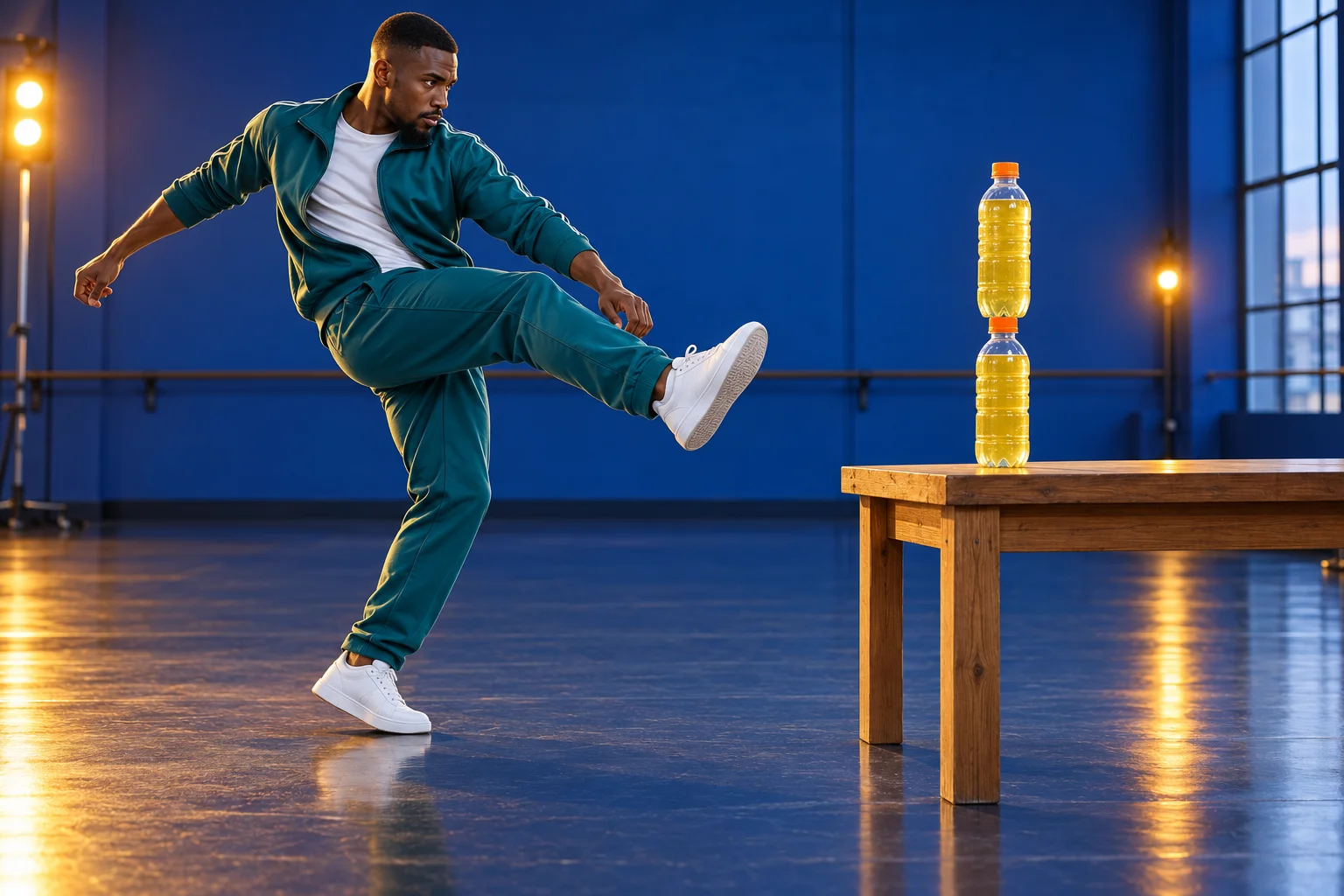
Use this effect as a short solo insert, a playful introduction or a visual pause between longer scenes. The photo supplies the person’s appearance; the fixed video supplies the action pattern. A second portrait is not part of this page, so choose the person who should carry the whole moment.
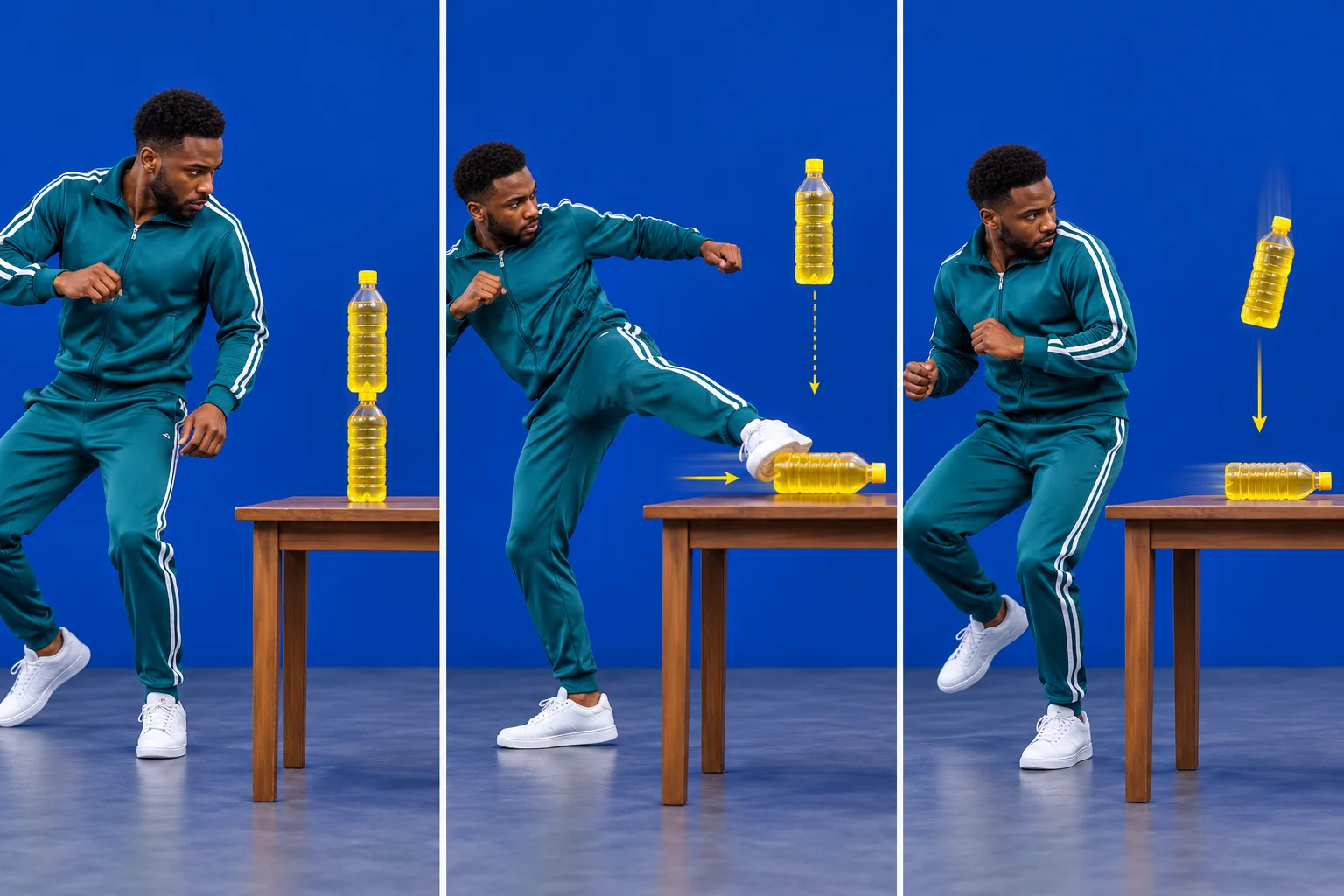
The reference contains two plastic bottles stacked on a table. The kick displaces the lower bottle while the upper bottle moves downward. Preview the sequence before writing a direction so your scene idea works with that movement rather than asking for a different stunt.
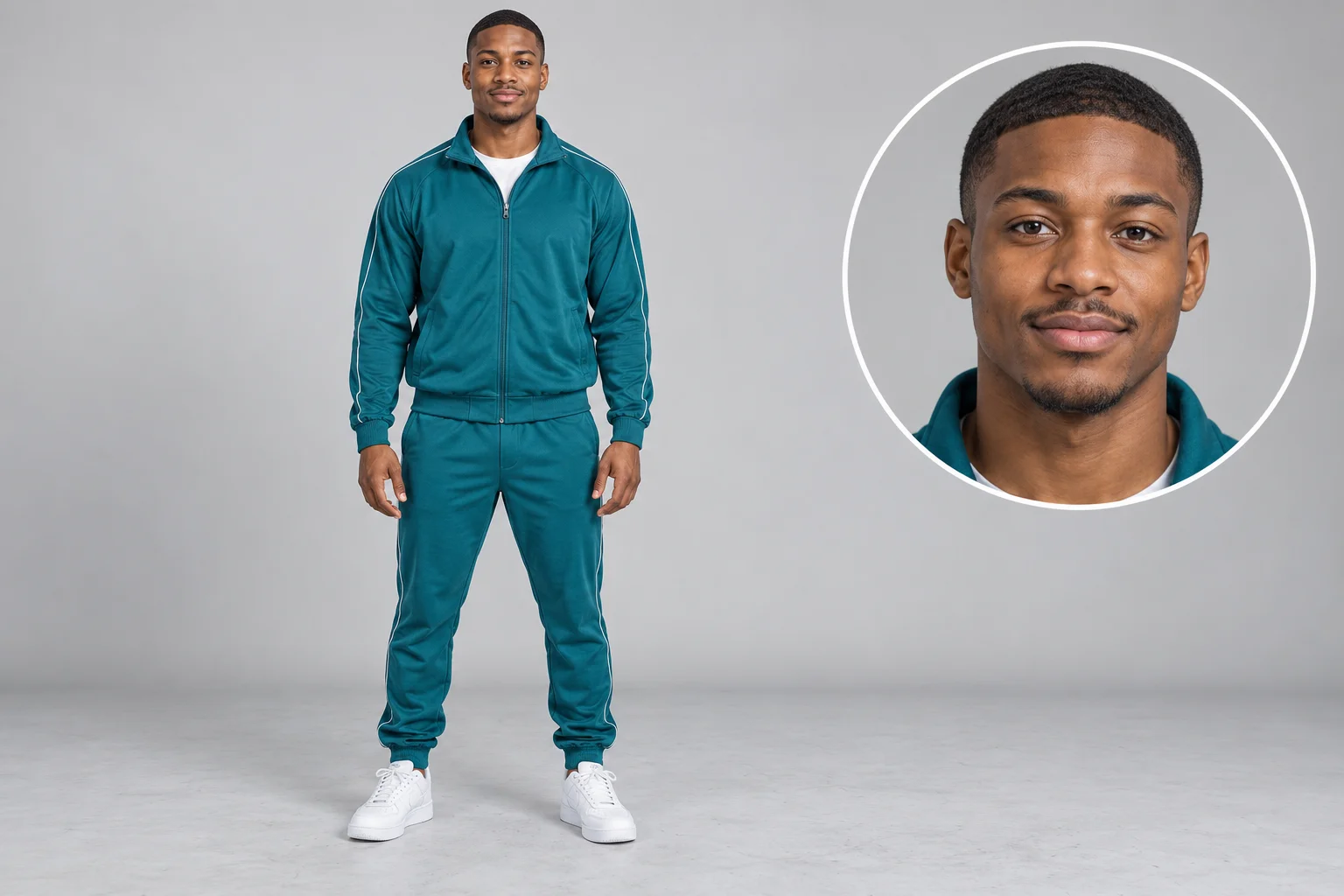
Choose a sharp, well-lit photo of one adult performer with an unobstructed face. A visible body outline helps communicate proportions and clothing. Avoid a crowded group image, extreme perspective or a cropped face; those choices leave more appearance details unresolved.
Your photo does not need to show someone actually kicking a bottle. A neutral stance can be a clearer identity reference. If the clothing is important, keep it visible and describe the item briefly. Do not add another person to the direction when the form supplies only one performer.
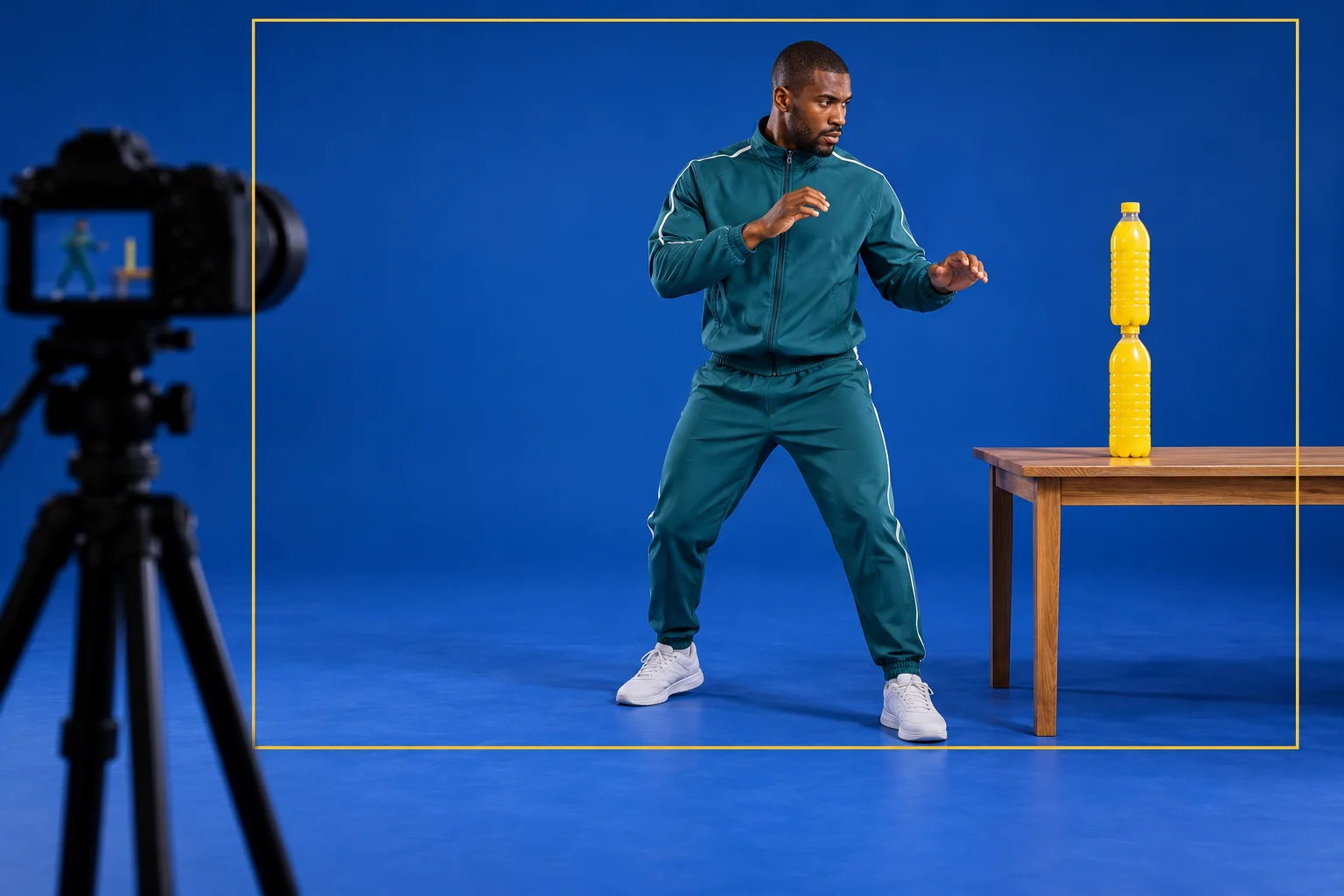
Keep the extra instruction short: “Cobalt rehearsal room, teal stagewear, steady camera and warm edge light.” The fixed action is already supplied. Repeating a long choreography description can introduce competing ideas about the kick, bottle count or camera position.
For a performance insert, one visual accent is usually enough. Choose the room, the lighting or the clothing emphasis, then review what the model does with that request. Avoid requiring exact logos, readable labels or a new prop arrangement when the motion depends on the two-bottle stack.
Inspect the beginning, the kick and the finish separately. Check face continuity, limb shape, shoe position, table stability and the relationship between the two bottles. A striking single frame does not prove the whole motion stays coherent.
Keep the useful take in History and download it when ready. This effect does not automatically synchronize your song, add lyrics or join a two-person performance. If you plan a musical edit, place the finished clip on your own timeline and choose the beat after reviewing its actual motion.
Introduce the person with a short, readable movement before a longer scene. Keep the visual direction consistent with your project.
Use a single-person clip as a separate edit between duo scenes. The effect itself does not cast a second performer.
Compare a restrained studio look with a brighter stage atmosphere while keeping the same person and fixed motion.
Choose the dedicated workflow when you want a duo performance instead of this solo effect.
Compare another effect direction before choosing the next visual moment for your project.
Move to the separate Hotel Lobby workflow for a different performance setting.
One performer photo is required. There is no secondary-person slot in this effect. The fixed action video is supplied by the page and is separate from your photo.
This page uses the displayed fixed reference. It does not accept a replacement video. Preview the stack, kick and bottle movement first; use a different workflow if you need a different action.
The reference guides the motion, but a generated take can vary in identity, anatomy, timing and object movement. Review the full clip. The visible reference is not a demonstration of a result generated from your photo.
No. This page creates the visual effect clip. It does not accept a song upload or synchronize lyrics. Keep song creation and any final music edit in their appropriate workflows.
This effect uses a model whose current catalog requires purchase access. Your account must also have enough credits. Check the live quote before generating; settings and reference processing affect the cost. No free or unlimited generation is promised.
The configured output is 12 seconds, while processing time depends on the model and queue. Follow the task status in History. Do not confuse the output length with a promised completion time.
rapsong.io · Updated